Paste your long URL
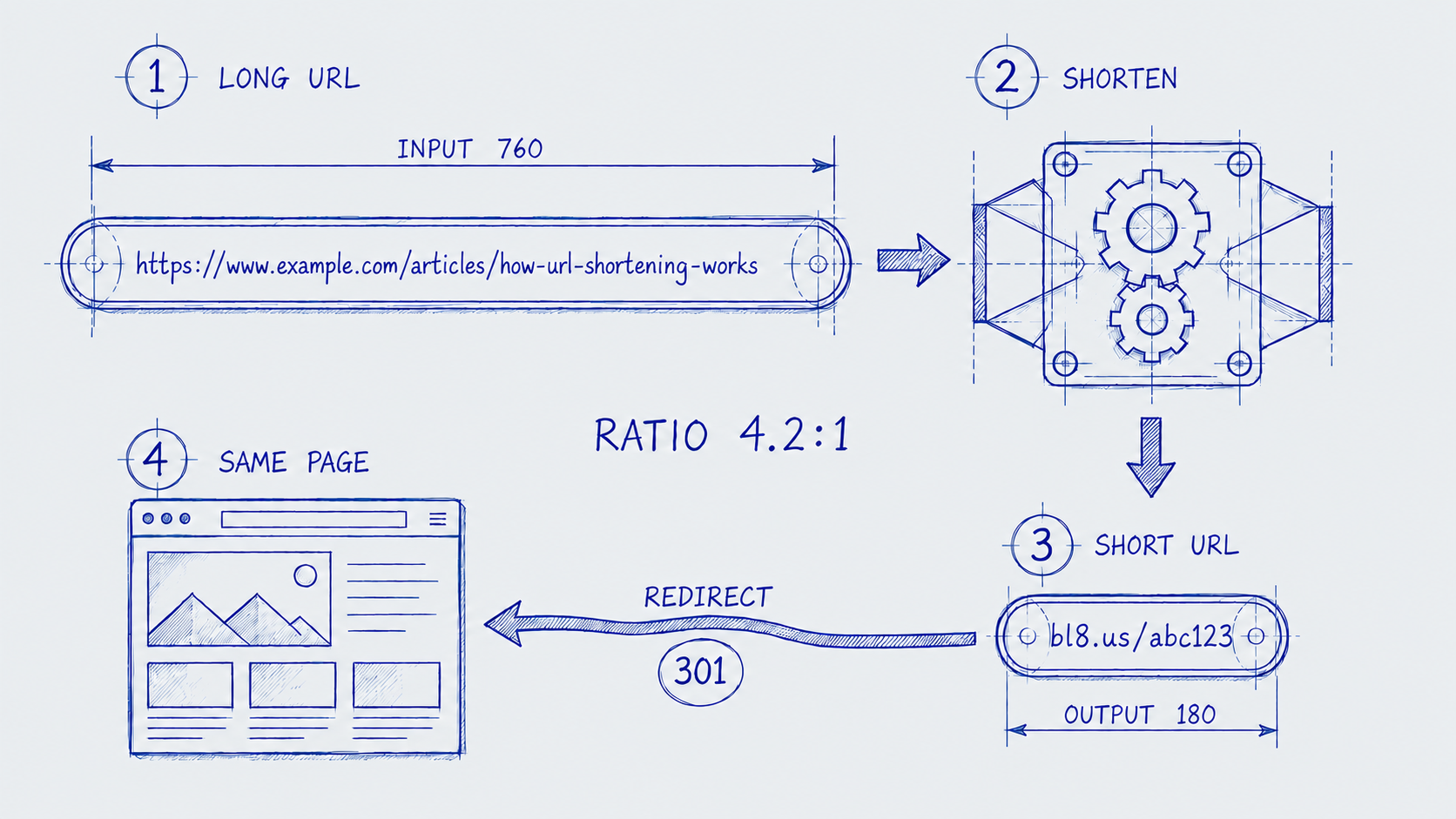
Enter the long URL you want to shorten. bl8 creates a clean, secure short link in seconds.


Shorten URLs into clean, trackable links with built-in click analytics, QR codes, custom aliases, and more.
Enter the long URL you want to shorten. bl8 creates a clean, secure short link in seconds.
Choose a custom alias and expiration date, or keep the automatically generated short URL.
Share your short link anywhere and see every click with built-in link tracking and analytics.
Every link you create is a small piece of infrastructure. bl8 treats it that way.
Every link gets a short, unique code the moment you create it. Add a memorable slug if you want it to read well.
Each visit is recorded, including when it happened and where it came from, so you can tell which links are actually getting used.
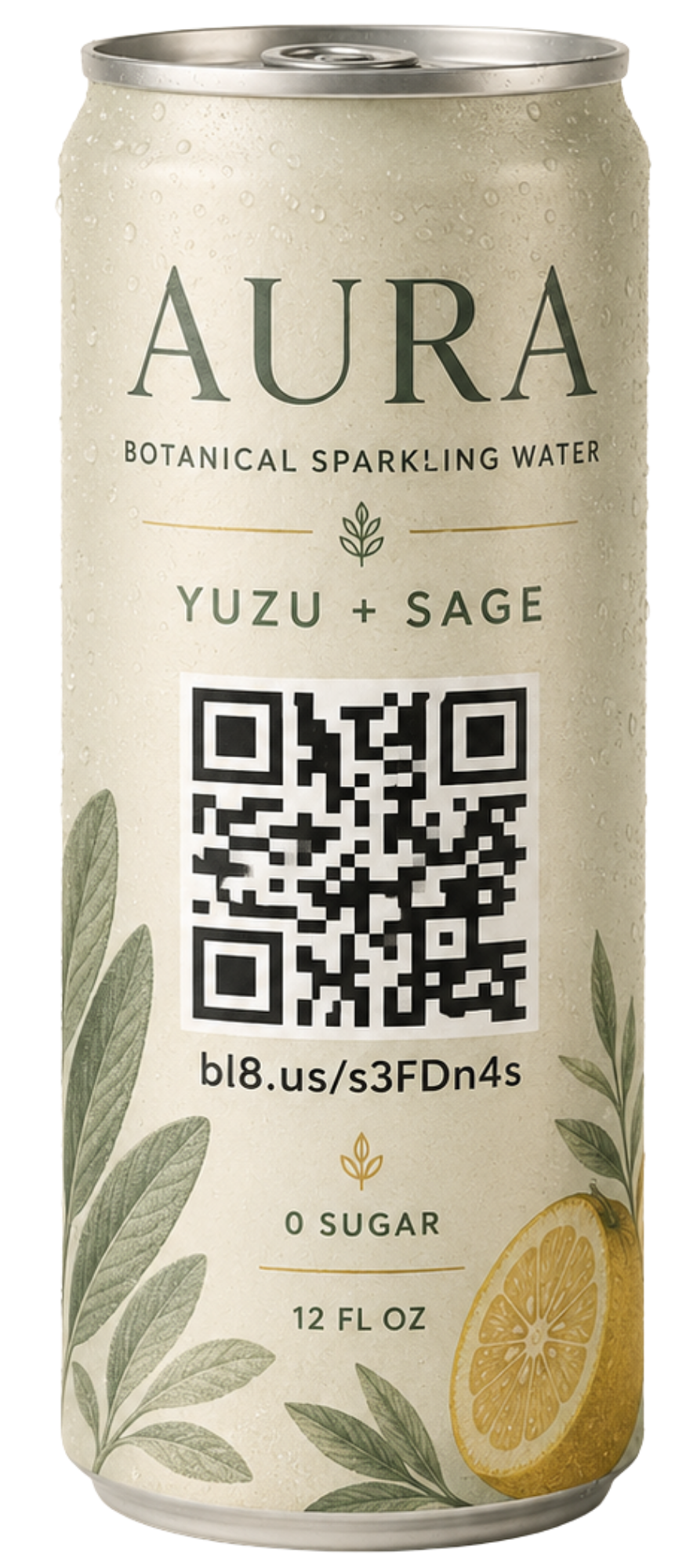
Scannable codes are generated automatically, ready to drop into a slide, flyer, or anywhere a URL is awkward to type.
Only if you set an expiration. Otherwise, they stay active indefinitely.
Yes. Change the destination any time without changing the short link.
Yes. The Free plan includes most features, with some limits. See the pricing page for details.
A readable phrase added to your short link, such as bl8.us/aBc123/my-product, to make it easier to recognize.
Yes. Sign in with Google to create, edit, and view analytics for your short links.
The short code itself is always auto-generated, to keep it unique, but you can add an optional custom slug.
It stops redirecting, but the link and click history remain. You can reactivate it at any time.
Yes. Every short link gets a QR code you can view or download as PNG or SVG.
Yes. Customize its styles and colors, with a built-in contrast check for reliable scanning.
See clicks, unique visitors, referrers, devices, browsers, operating systems, countries, and click times.
Free accounts can have 25 active links. Deactivate one or upgrade to Pro for unlimited links.